
This is an old revision of the document!
Create a Window Script
- Connect to the MUD with your existing Mudlet profile
- Click the “scripts” button in the toolbar
- Click the “add item” button to create a new script.
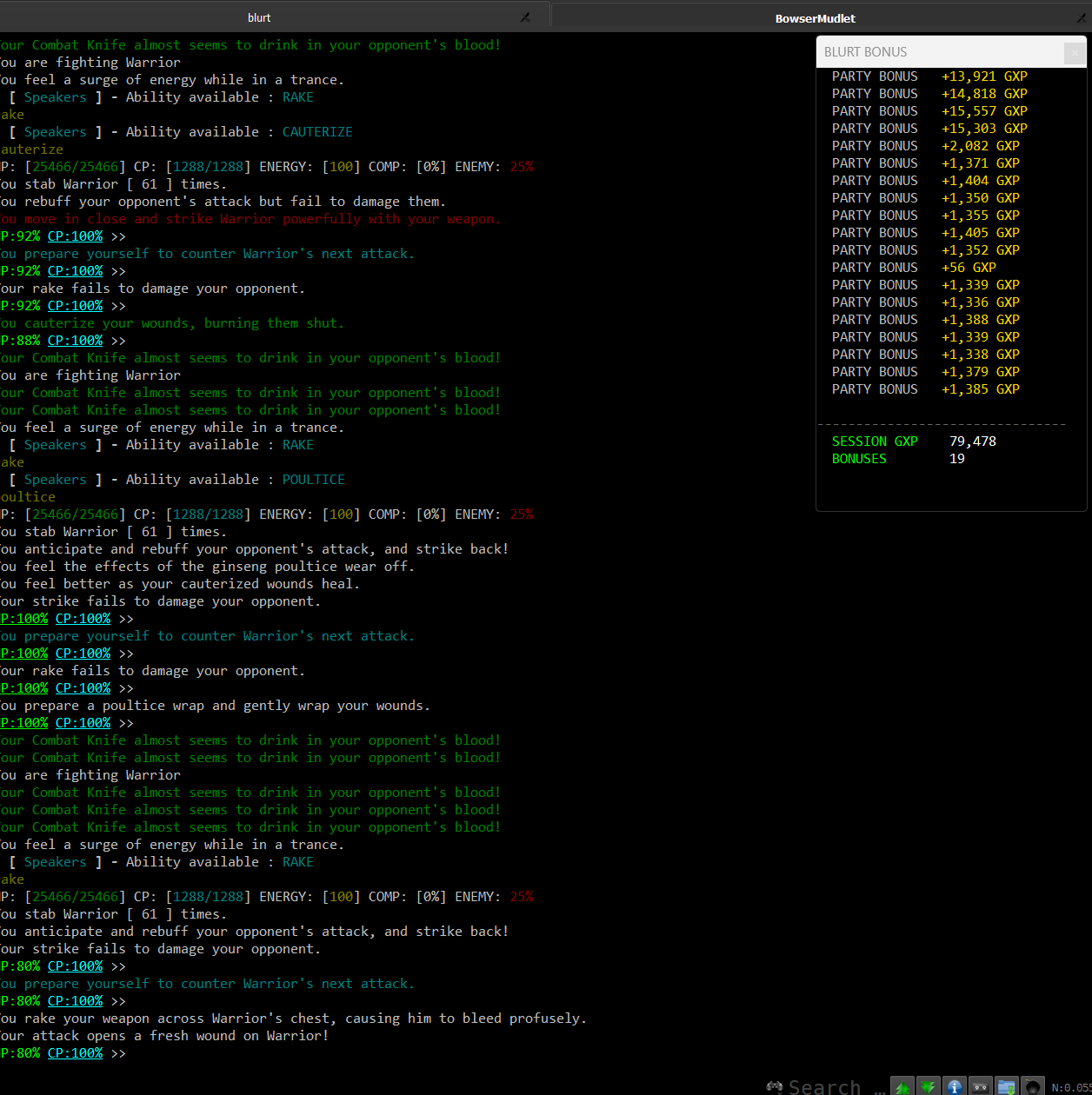
- Enter a name, like “Party Bonus Window”
- In “Add User Event Handler:” enter:
sysConnectionEvnet
- Click the “+” button.
- Copy in the following source code to the text area.
-------------------------------------------------- -- BONUS WINDOW -------------------------------------------------- function make_bonus_window() bonus_window = Geyser.UserWindow:new({ name = "bonus_window", titleText = "BLURT BONUS", autoWrap = true, autoDock = false, x = "20%", y = "40%" }) bonus_window:setFontSize(getFontSize()) bonus_window:setFont(getFont("main")) return 1 end make_bonus_window() - Your scripts setting pages should now look exactly like this:
- Click the “Save Item” button
